How do I make a Discord timestamp on mobile?
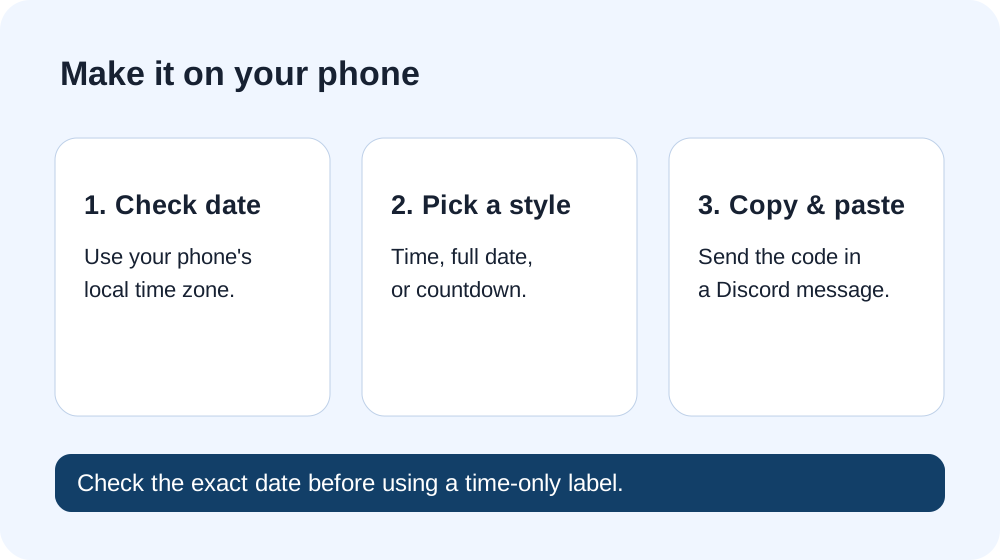
Answer: Choose the event's date and time in your phone's local timezone, copy one of the codes below, then paste it into a Discord message. A short-time code looks like <t:UNIX_SECONDS:t>. Discord turns the same instant into each reader's local clock time. Check the date before copying: a time-only display still refers to one specific date.
In an August 2026 user discussion, someone wanted a way to show their own noon as a friend's local time. The useful answer is a three-part flow on the phone: choose the intended moment, select how much detail readers should see, and paste the code. That thread also reports that the desktop @time shortcut was unavailable on mobile for some participants then; this page works from a browser without relying on that shortcut.
Make a code now
Your device timezone will appear here.
This tool reads the selected date and time in your device's current timezone. If the organizer gave you a time in another timezone, convert it first or use a generator with an explicit source-timezone control. If your device has moved across timezones, check its setting before copying.
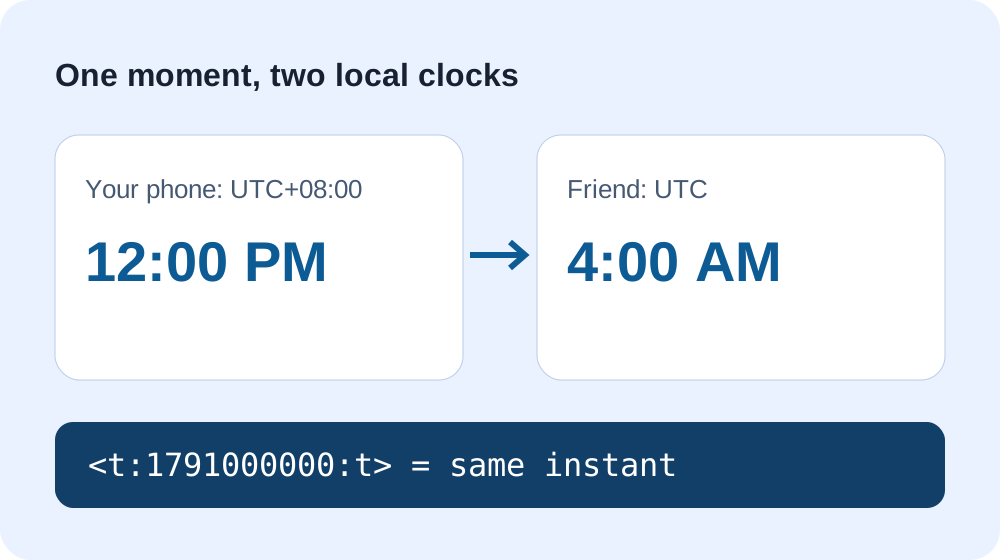
Worked example: your noon, their early morning
Take October 3, 2026 at 12:00 PM with the explicit offset UTC+08:00. That is October 3 at 04:00 UTC. The Unix-seconds value is 1791000000, so the short-time code is <t:1791000000:t> and the full-date code is <t:1791000000:F>. A reader in UTC sees 4:00 AM for that same instant; a reader in UTC+08:00 sees noon. This is an independently calculated example, not a screenshot of Discord rendering.
To reproduce the number, evaluate Date.parse('2026-10-03T12:00:00+08:00') / 1000. It yields 1791000000. Explicitly including +08:00 avoids depending on the machine's timezone. The interactive field above uses your device timezone, so it yields this same value only when the device's October 3 offset is UTC+08:00.
Which copy button should I use?
For a simple “my noon is your time” line, use the short time t code. For a scheduled event, use F so the day and time are both visible. For a countdown, use R. All nine buttons above keep the same Unix-seconds value and only change the final style letter; copying a different style does not change the event. On a narrow screen, each result is its own row with a full-height copy button.
Can I put it in my profile instead?
A short-time code still contains a dated instant. That makes it a poor permanent description of your usual local hours when daylight-saving offsets change. For a one-off event, use the actual event date. For recurring availability, state the timezone and schedule separately and update the code when the intended date changes. Our timezone error example shows why checking the intended instant matters.
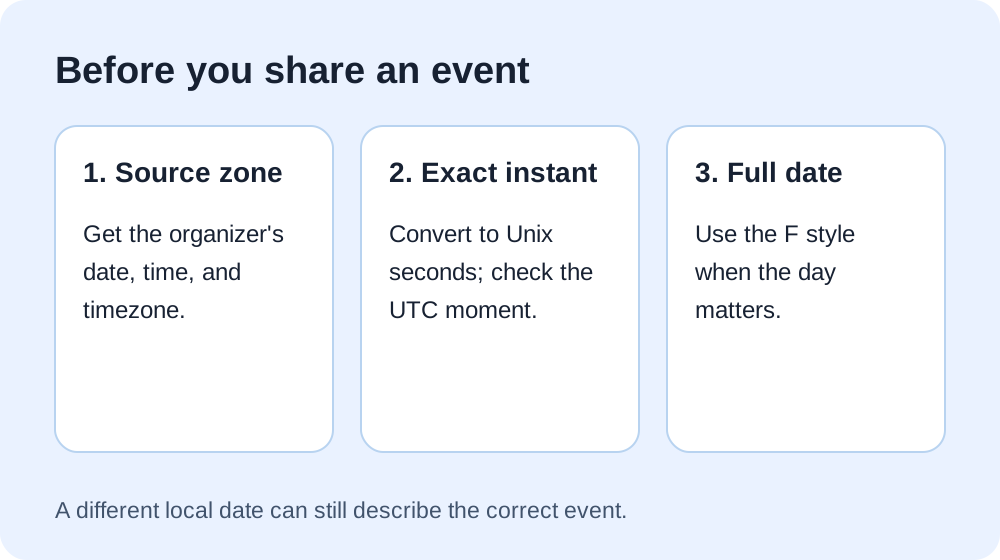
If a friend sees the next calendar day, read our cross-date example before changing the timestamp.
Sources and method
Discord's official formatting reference specifies Unix seconds, viewer-local display, and the nine current style letters. The user question above comes from the linked Reddit thread; its reports about mobile apply to that discussion date. The worked timestamp, three-step guide, responsive tool, and diagrams were built for this page. We have tested the generated code and responsive browser layout; we do not claim a live Discord mobile-app rendering test.