Discord Timestamp Converter: Decode and Edit a Code
Answer: Paste an existing Discord timestamp code or a Unix-seconds value below. This converter reveals its exact UTC instant and a browser-local view. Change the UTC date or time, then copy a corrected code. The style letter changes how Discord displays the instant; it does not change the underlying time.
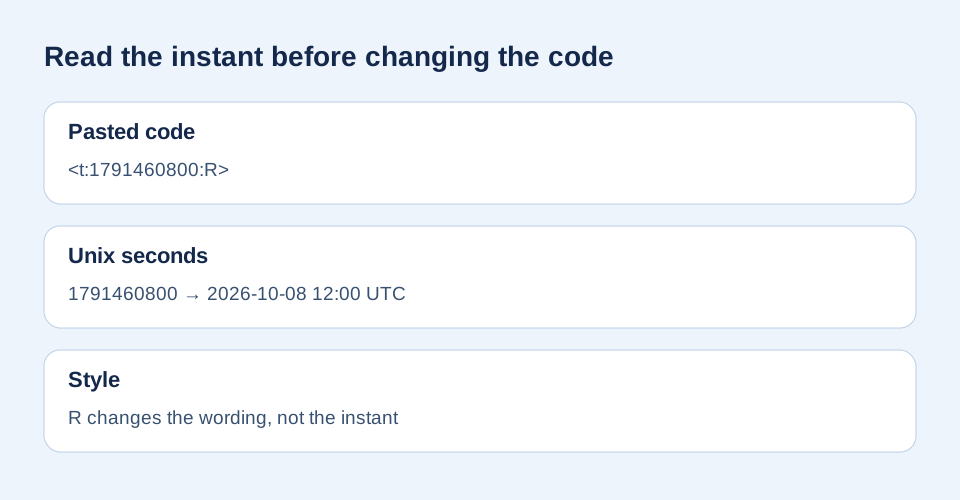
Example: <t:1791460800:R>. Plain integer seconds also work; milliseconds are not silently guessed.
Corrected code: —
Conversion runs locally in your browser. This is a calculated preview; check the pasted result in Discord for your particular client.
How do I change a time in code I already have?
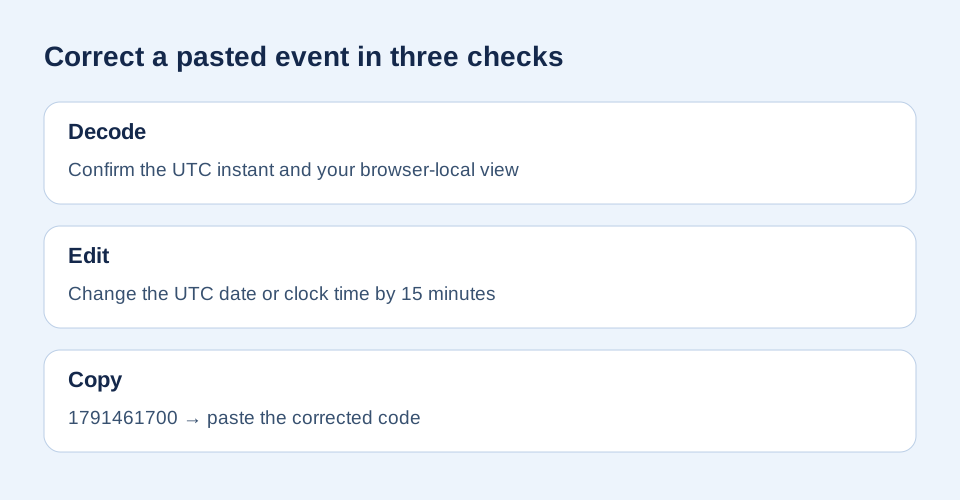
A participant in a community question about editing a suggested time format described a practical obstacle: selecting a format and changing the event time are separate operations. Paste the finished markup into the tool above, inspect the decoded instant, edit the UTC field, and copy the new code. This is a workaround for an existing code, not a claim about any client's built-in picker.
A correction you can reproduce
For <t:1791460800:R>, new Date(1791460800 * 1000).toISOString() yields 2026-10-08T12:00:00.000Z. Move the UTC clock forward by 15 minutes and the seconds become 1791461700, so the corrected relative code is <t:1791461700:R>. The difference is exactly 15 × 60 = 900 seconds. Choose F instead if you want a full date-time display; the number stays the same.
Why does the local clock look different?
The UTC result is the reference instant. The local result uses this browser's timezone settings; another reader can see a different clock time or calendar date for the same Unix seconds. If you know an event only as a local date and time in a named region, start with the generator's timezone selector to create the original instant. This reverse converter edits UTC explicitly so it does not infer which timezone you meant.
What if the input is a millisecond number?
Discord's formatting reference defines the numeric field as Unix seconds. A JavaScript millisecond value must be divided by 1,000 before it goes into timestamp markup. This tool rejects an invalid or out-of-range integer rather than guessing its unit; use the unit checker when you know the number came from milliseconds.
Sources and method
The code structure, seconds unit, and style letters come from Discord's official reference. The user discussion supplied the editing question, not the technical answer. We independently calculated the sample, made the reverse converter and diagrams, and tested valid code, plain seconds, edits, and invalid input. No live-client rendering claim is made.