Can a Discord bot send a timestamp without @time?
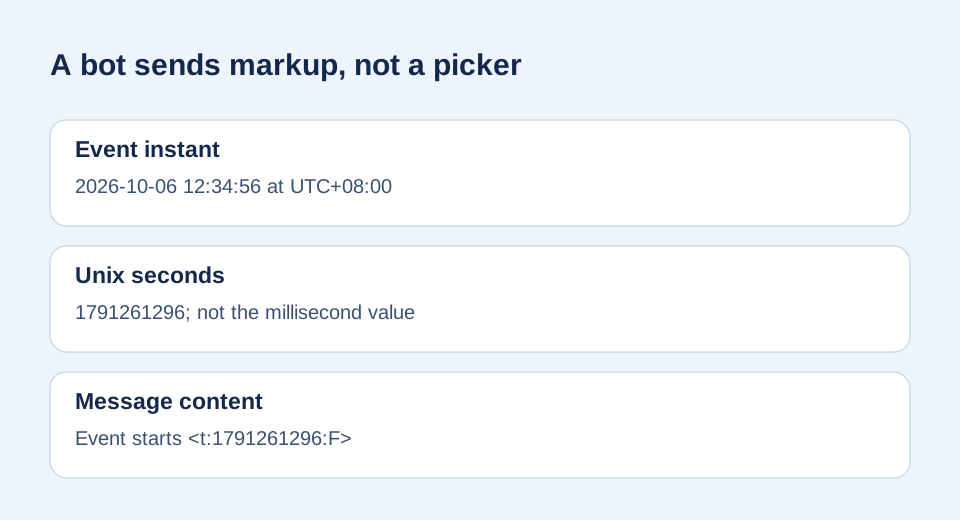
Answer: Yes. A bot can put raw timestamp markup in a message’s content field, such as Event starts <t:1791261296:F>. Discord documents both the timestamp syntax and Create Message content. A bot constructs the markup without the interactive @time picker. This is a documented payload example, not a claim that we sent a live bot message.
Replace the sample Unix seconds with your event’s value.
A participant in a community discussion raised the practical problem of preparing timestamps in automated bot messages. We used that as the question, then checked the technical answer against Discord’s formatting reference and Create Message documentation. No commenter prose was copied.
What should the bot send?
For an event at 2026-10-06T12:34:56+08:00, the UTC instant is 2026-10-06T04:34:56Z. Its Unix-second value is 1791261296. The bot’s JSON message body can be:
{"content":"Event starts <t:1791261296:F>","allowed_mentions":{"parse":[]}}allowed_mentions is an optional safeguard against accidental pings if surrounding text comes from users; it does not create the timestamp. Discord’s Create Message endpoint requires permission to send messages in a guild channel. Keep bot credentials out of the published message.
How is the number calculated?
JavaScript Date.parse('2026-10-06T12:34:56+08:00') returns milliseconds. Math.floor(Date.parse('2026-10-06T12:34:56+08:00') / 1000) returns 1791261296 seconds. The input offset matters because a clock time alone is not a unique instant. The F style asks for a full date and time in each viewer’s locale.
const iso = '2026-10-06T12:34:56+08:00';
const seconds = Math.floor(Date.parse(iso) / 1000);
if (!Number.isSafeInteger(seconds)) throw new Error('Invalid event time');
const content = `Event starts <t:${seconds}:F>`;
// Result: Event starts <t:1791261296:F>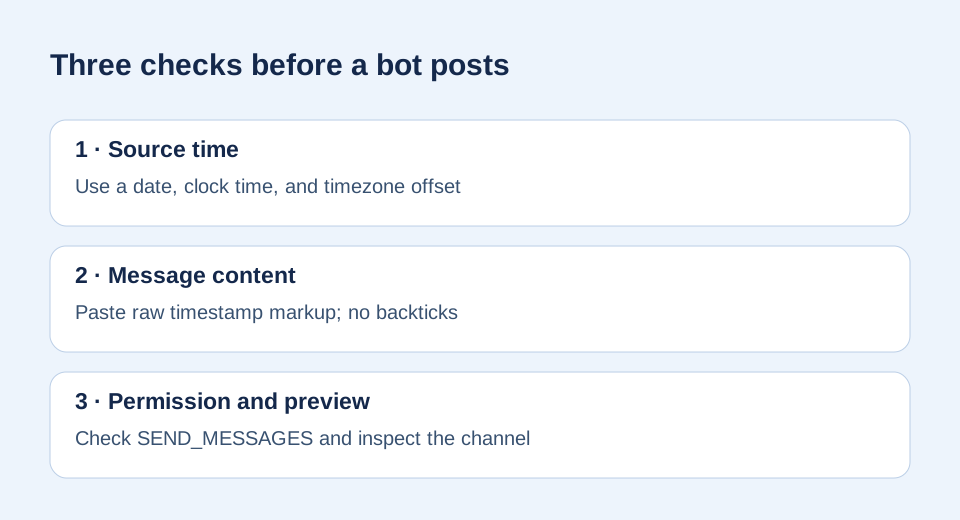
Why not send @time or a millisecond number?
@time is an interactive entry aid for a person composing a message. A bot’s content needs the finished markup. Discord specifies seconds for timestamps. Sending a JavaScript millisecond value unchanged identifies a different number, not the intended event. Our unit guide shows the conversion separately.
What if the bot posts literal code?
Check the angle brackets, numeric Unix seconds, and supported final style letter. Do not wrap the markup in backticks or a code block. Confirm SEND_MESSAGES permission, then inspect a real message. The arithmetic and syntax are verified here; only a live bot send can test your bot library, channel permissions, and current rendering together.
Sources and method
The community discussion supplied a genuine automation use case. Discord’s official references supply the syntax, seconds unit, message content, allowed_mentions, and guild-channel permission. We independently calculated the example and created both diagrams and the checks for this page. We did not perform a live bot-message rendering test.